Courier Route Planner: How Australian Couriers Plan Multi-Drop Runs That Finish on Time
Drafted with AI assistance, edited and fact-checked by Sean Flannery. See our editorial policy.
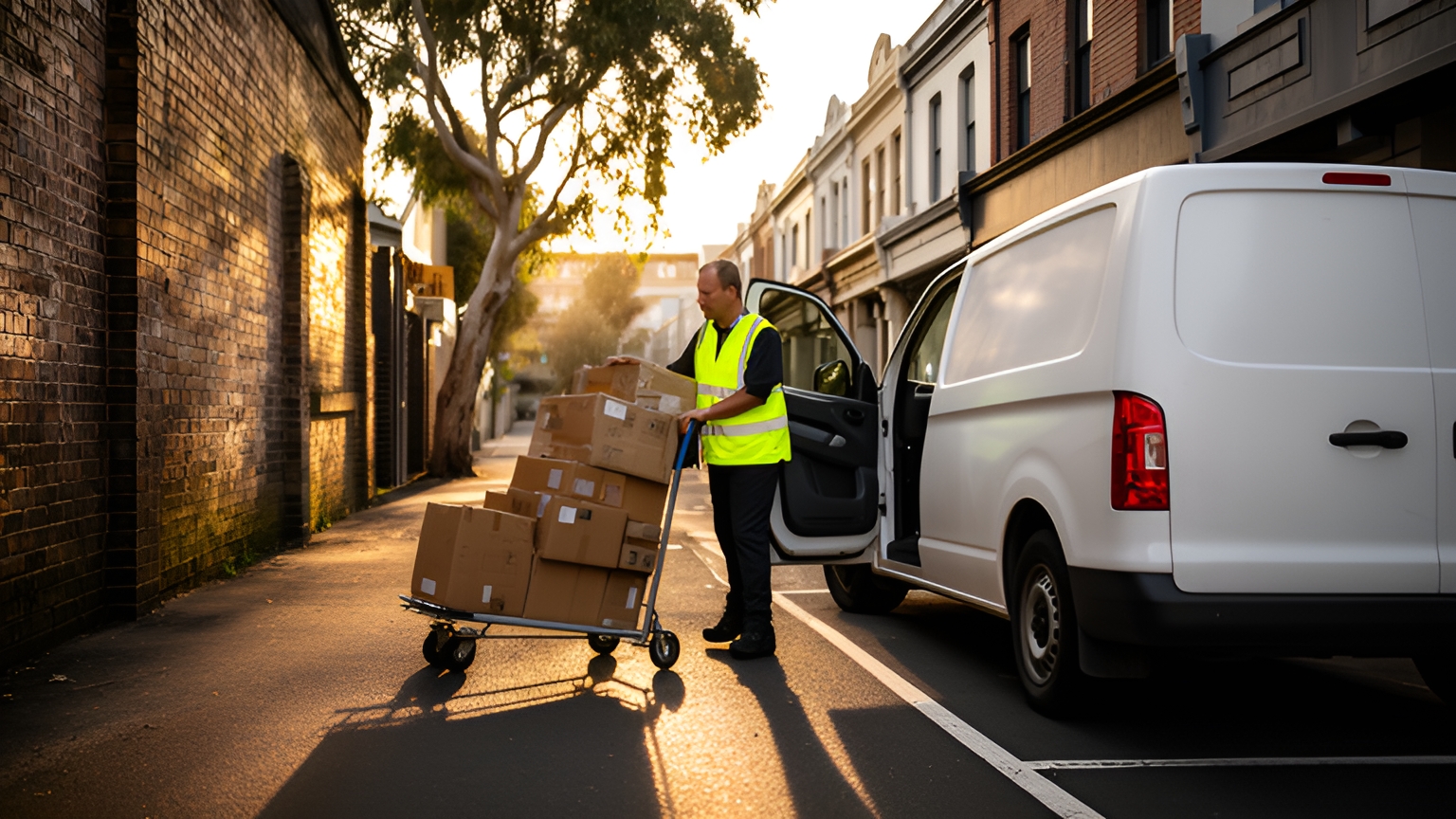
A courier route planner turns a list of pickups and drops into an ordered run for each driver, built around delivery windows, vehicle capacity and stop-level access notes. For Australian couriers, it also re-sequences the day when same-day jobs arrive or a regional road closes, so drivers spend less time backtracking and customers get live ETAs.
That second job matters in Australia. One courier business can run a dense CBD loop in the morning, a long suburban leg after lunch and a regional run that depends on a single highway, all from the same plan.
The plan that finishes on time is the one that knows each stop as well as the driver does.
How a courier route planner turns stops, windows and access notes into one run
Every stop carries three kinds of information. Where it is. When it can be served. And what it takes to complete once the van pulls up.
A map sees the first. A courier route planner uses all three.
Take one van's morning list in Brisbane. It includes a medical centre that only receives before lunch, an apartment tower where deliveries go through a booked loading dock, a bulky carton order that takes up a good share of the cargo space, and a pickup from a print shop that has to reach a CBD office the same afternoon.
Sorted nearest-first, that list could reach the tower before the dock booking opens, or load the print job after the van has already passed the office it belongs to.
Sorted with constraints, the medical centre comes early. The tower slots into its dock window. The pickup sits ahead of its drop, and the bulky order goes on a vehicle with room for it.
The result is one ordered run per driver, with each stop's notes travelling with it.
Locate2u's route optimisation builds runs around delivery locations, time windows and driver availability, and lets the day's plan be adjusted as jobs change.
How pickups, drops and same-day jobs fit into a single plan
Plenty of courier work is point-to-point: collect here, deliver there, often on the same day.
That changes the planning rules. A pickup has to come before its matching drop. Both usually belong on the same vehicle. And the van needs room for that parcel between the two stops, alongside everything else on board.
A planner that treats pickups and drops as linked pairs can mix them into one run without breaking those rules. One that treats every stop as independent leaves the dispatcher checking each pair by hand.
Then the same-day jobs arrive.
Online demand keeps them coming. The Australian Bureau of Statistics reported total online retailing sales of A$4,703.8m in June 2025, in seasonally adjusted terms, in its Retail Trade, Australia release.
For a courier, demand like that shows up as bookings landing after the vans have left the depot. So the plan built at dawn needs room to change by mid-morning.
Two habits help. Place each new job on the run with spare capacity that passes closest to it, not simply on whichever driver looks free. And re-optimise in batches, after each wave of bookings, so drivers get one clear update instead of a stream of small ones.
Spreading those jobs across the team is a dispatch decision as much as a routing one. Locate2u covers that side under dispatch planning, and this guide to courier dispatch software in Australia looks at the dispatch desk in more detail.
How one online pharmacy cut daily route planning to 10 minutes
SuperPharmacy's case study reports that its delivery team was spending up to one hour every day planning prescription delivery routes by hand.
The business has operated as an online pharmacy in Australia since 2000, delivering prescription medications, over-the-counter products and health essentials to customers nationwide.
Manual planning also made the day hard to change. If an urgent prescription came in, or a delivery needed rescheduling, the entire route had to be regenerated from scratch.
With customers increasingly expecting same-day delivery for their prescriptions, the team wanted planning that could keep pace.
SuperPharmacy moved its daily planning to Locate2u's route optimisation, which generates routes automatically from delivery locations, time windows and driver availability. Planning that once took an hour now takes just 10 minutes, an 83% cut in route planning time for this one Australian business.
The bigger change came during the day. New prescriptions can be slotted into existing routes on the fly without disrupting other deliveries, and that flexibility let SuperPharmacy offer same-day prescription delivery as a core service.
SuperPharmacy sums it up: "Before Locate2u, we had to generate new routes if we wanted to change anything. Now we can adjust the day's deliveries on the fly."
To test the same idea on your own routes, time how long tomorrow's plan takes by hand. Then add one urgent job mid-morning and note how much of the run has to be rebuilt to fit it.
How stop-level notes help drivers reach the right dock, door or loading zone
A route can look perfect on a map and still lose time in the short stretch between the kerb and the receiving door.
Kerb space is part of the picture. Transport for NSW describes kerbside access for freight and servicing as "highly contested between freight and servicing drivers and other uses including placemaking" on its kerbside and access page.
That makes the stopping point as much a part of the plan as the address. In the Brisbane run, the apartment tower only works if the driver knows to use the booked dock rather than the street frontage.
Stop-level notes carry that knowledge from whoever learned it to whoever drives the run next. Worth capturing for each stop:
- the loading dock, rear lane or loading zone to use
- gate codes and which door receives goods
- receiving hours, where they differ from opening hours
- handling needs, such as a trolley or a second pair of hands
- who to contact on arrival, and what to do if nobody can receive
Notes only help if they reach the driver at the right moment. In a demo, check that each note appears on the driver's screen at that stop, in run order, rather than sitting in a separate job sheet.
Locate2u's driver app is where drivers work through the run, and Locate2u's proof of delivery captures photos, signatures and timestamps for every delivery. The next visit to that stop starts with a clear record of where goods were left.
Loading zone rules differ between states and councils, so check current requirements with the relevant state transport department or local council before building a zone into the plan.

How to plan metro runs when traffic patterns differ from city to city
The Bureau of Infrastructure and Transport Research Economics measures freight vehicle congestion on 73 routes across Australian capital cities.
In its freight vehicle congestion report, city-wide congestion between 2022 and 2023 worsened slightly in Perth, was more or less unchanged in Brisbane, and improved in Sydney, Melbourne and Adelaide.
The practical takeaway for planning: a timing assumption that holds in one capital is not a template for another, or for the same city a year later.
Set service times by city. Time a CBD tower stop and a suburban shopfront stop separately, and let each city's runs carry their own stop durations and travel buffers.
Compare planned against actual. Each week, look at which runs finished later than planned and which stops ran long. Adjust the durations and windows for those areas before the next plan goes out.
Watch the day as it happens. Real-time tracking in Locate2u gives dispatch a live view of every vehicle, and customers can follow a live tracking link. A run that slips is spotted early, and the next drops know what to expect.
Over a few weeks, those adjustments turn each city's plan into a closer match for how its roads actually behave.
How to re-sequence northern and regional runs around wet-season road closures
Across northern Australia, wet-season rain can close the very road a regional run depends on.
The aim is not to predict every closure. It is to make re-sequencing quick when one happens.
- Check road conditions with the relevant state or territory transport department before vans leave, and again at set points through the day.
- Hold the stops beyond a closed section instead of leaving them on the run.
- Re-optimise the remaining stops so the sequence follows roads that are open.
- Tell affected customers their new delivery day, and send a tracking link once the run is back on.
- Put held stops first on the run after the road reopens.
It is the same habit that slots a same-day job into a metro run, used in reverse: take stops out, then rebuild the order around what is left.
For teams in Darwin or Townsville, it also pays to store alternate access notes for properties with a second entry road in the wet.
Working out what an extra hour or kilometre adds to a run
Every extra hour and kilometre on a run has a cost. Putting a number on it shows what a tighter sequence is worth.
Two Australian figures give a starting point. The Fair Work Ombudsman pay guide for the Road Transport and Distribution Award lists Transport worker grade 1 at A$25.65 per hour from 1 July 2025, a minimum award rate used here only as cost context. Pay arrangements vary, so check current rates with the Fair Work Ombudsman.
The ACCC reported quarterly average retail diesel prices of 181.8 cents per litre across the five largest cities in the September quarter 2025.
The method: extra hours times the hourly rate, plus extra kilometres times the van's fuel use times the diesel price. Multiply by working days for a yearly figure.
Worked example, on assumptions to replace with your own: a van's run drifts 30 minutes longer and 15 kilometres further than it needs to each working day, the van uses 10 litres per 100 kilometres, and it works 240 days a year.
In this worked example, the half hour costs about A$12.83 at the grade 1 rate. The 15 kilometres use 1.5 litres of diesel, priced at 181.8 cents per litre.
That puts the worked example at about A$15.56 per run, or roughly A$3,734 per van per year at the grade 1 minimum award rate, before any running costs beyond fuel.
Across a fleet, it shows why a few minutes and kilometres per run are worth chasing. Owner-drivers paid per drop can swap the hourly rate for the value of the extra drops a shorter run makes room for.
Tests to run in a demo before choosing a planner
A tidy sample file shows how a planner looks. Your own busiest day shows how it works.
Bring a real day's jobs to the demo, awkward stops included, and run these tests.
| Test | What to do in the demo | What a good result looks like |
|---|---|---|
| Same-day insert | Add a new job mid-morning after routes are live | It joins a nearby run without rebuilding the whole day |
| Pickup and drop pair | Add a collection due for delivery the same afternoon | The pickup stays ahead of its drop on one vehicle |
| Vehicle capacity | Load one van close to full, then add a bulky job | The job goes to a vehicle with room for it |
| Access notes | Add a dock instruction to a single stop | The note shows on the driver's screen at that stop |
| Road closure | Hold every stop beyond one road | Remaining stops re-sequence and customers can be updated |
| Cross-state windows | Plan stops in two states on different time zones | Windows display in each stop's local time |
| Proof of delivery | Complete a test drop in the driver app | Photo, signature and timestamp attach to the job |
Time the planning step too. Minutes spent building the day are a measure you can compare directly with your current process.
To run these tests on a sample of your own runs, book a call with the Locate2u team.
Frequently asked questions
How do jobs get into a courier route planner without retyping every address?
Connect the planner to the system where orders already live, such as an online store or order management tool, so each job arrives with its address, window and notes attached. In a demo, ask to see that connection or a file import working with your own order data.
What can you do when every driver is fully booked and same-day jobs keep arriving?
Route the overflow to extra capacity rather than stretching existing runs. Locate2u's sister brand Zoom2u, an on-demand courier and delivery marketplace in Australia, can take same-day or overflow jobs on busy days.
How often should a courier re-optimise routes during the day?
Re-run the plan whenever something changes the stop list: a new booking, a cancellation, a closed road or a stop running long. A steady rhythm, such as re-optimising after each batch of new jobs, gives drivers one clear update instead of constant changes.
Should owner-drivers paid per drop still use a route planner?
Yes, because a tighter sequence means more drops completed in the same working day and fewer kilometres per drop. Swap the award hourly rate in the cost example for your own per-drop rate and fuel use to see the value on your own runs.
A planner earns its place when the run it builds can actually be driven: windows respected, pickups paired, notes waiting at the door and room to change by mid-morning. Start with your busiest day, run the tests above, and see how Locate2u's route optimisation tools handle the stops your drivers know best.
