How to Choose a Last Mile Delivery Platform for New Zealand Routes
Drafted with AI assistance, edited and fact-checked by Sean Flannery. See our editorial policy.
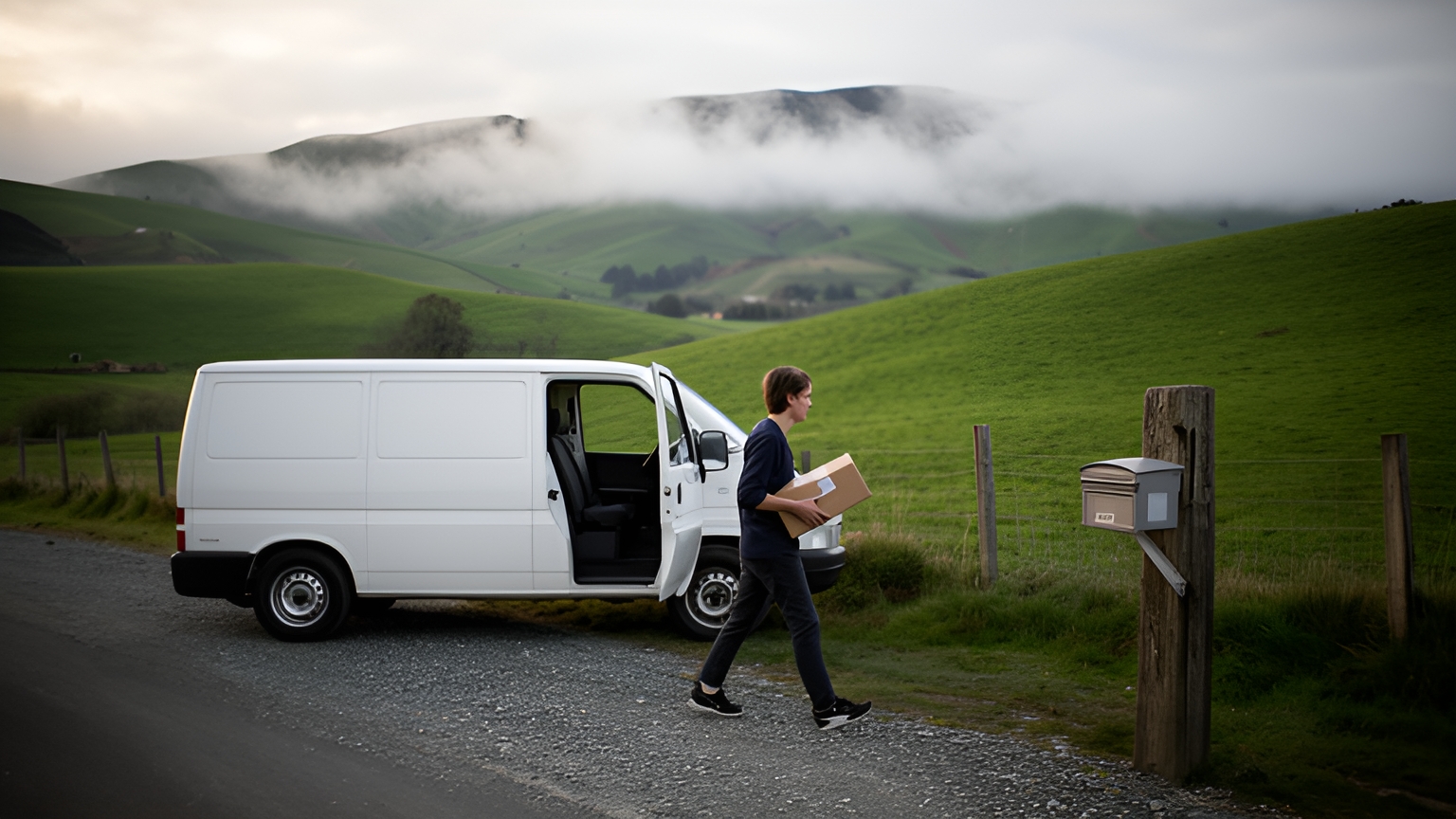
A last mile delivery management platform brings dispatch, route optimisation, live tracking, proof of delivery and customer updates into one workflow. For New Zealand operators, the real test is how it handles long rural legs, mid-shift replanning when highways close, patchy signal on remote runs and the December parcel peak.
Most platforms look alike in a sales deck. The differences show up on an ordinary weekday, when a slip closes the road out to a cluster of farm drops and the afternoon's customers still want to know when their order will arrive.
What a last mile delivery management platform handles on New Zealand roads
New Zealand's delivery network is its road network. Te Manatū Waka Ministry of Transport's 2022 freight and supply chain issues paper states that 92.8% of freight volumes within New Zealand are transported by trucks.
For a delivery business, that settles where a platform has to be strongest. Route planning and the handling of road conditions are the service your customers experience.
Dispatch assigns orders to vans and drivers. Route optimisation puts each van's stops in a sensible order within the windows you promised.
Live tracking shows where every vehicle is, and customer updates turn that into an arrival time people can plan around. Proof of delivery closes each stop with a clear record.
New Zealand shapes each of those jobs. Rural runs mix short town hops with long legs on back-country roads.
A run that crosses Cook Strait has a ferry sailing in the middle of it, a fixed appointment the plan has to respect. Winter weather can close a state highway at short notice. And December brings a parcel peak that tests the whole workflow at once.
Locate2u is a delivery management platform built around that full workflow, from planning a run to confirming each drop at the door. So where should an evaluation start? With the route plan.
How route sequencing plans long rural legs and gravel-road drops
Route sequencing is the order in which a van visits its stops. On a compact town run, a reasonable order is easy to spot.
Add farm drops up a gravel valley road and the order matters far more, because a weak sequence repeats the slowest roads of the day.
Planning that well by hand takes time every day. SuperPharmacy's case study reports that its delivery team spent up to one hour every day manually planning routes for prescription deliveries.
SuperPharmacy has operated as an online pharmacy in Australia since 2000, delivering prescription medications, over-the-counter products and health essentials to customers nationwide. When a new urgent prescription came in during the day, the entire route had to be regenerated from scratch.
The team moved its daily planning to Locate2u's route optimisation, which generates routes automatically based on delivery locations, time windows and driver availability.
For this one Australian business, an hour of manual planning became 10 minutes, and new prescriptions can be slotted into existing routes during the day without disrupting other deliveries. That flexibility let SuperPharmacy offer same-day prescription delivery as a core service.
SuperPharmacy puts it simply: "Before Locate2u, we had to generate new routes if we wanted to change anything. Now we can adjust the day's deliveries on the fly."
To see what that looks like for your fleet, time your own planning for a week, then watch the same orders planned in a demo.
Rural legs reward a closer look at sequence. As a worked example, assume one van, a morning of town drops, and three farm drops up a gravel valley road that takes 25 minutes each way.
Visit the farm drops in the order the orders arrived, with town stops in between, and the van makes two return trips up the valley: four legs of 25 minutes, or 100 minutes on gravel.
Group the same three drops into one loop and the van makes a single return trip: two legs of 25 minutes, or 50 minutes. On these assumptions, the better sequence frees 50 minutes of the shift.
Delivery windows decide how much room the planner has to build loops like that. A half-day window for rural customers gives the sequence space, while town customers keep a tighter slot.
How same-day replanning keeps customers informed when highways close
Winter weather can reshape a South Island run at short notice. In a July 2026 traffic bulletin, NZ Transport Agency Waka Kotahi said a red heavy rain warning in Marlborough and Canterbury carried the risk of significant flooding, slips and impassable roads.
An impassable road may have no sensible detour. On those days, the realistic aim is to re-plan what can still be done, hold what cannot, and tell every affected customer early.
That starts with knowing where each van is. Locate2u's real-time tracking gives the dispatch team a live view of every vehicle, so it is clear which runs are heading toward the closure and which are already past it.
Next, hold or move the affected drops and re-sequence the rest of the run. A planner that adjusts routes during the day, rather than starting again, keeps unaffected customers on schedule.
Then send the news out. Updated ETAs and automatic notifications mean a customer whose delivery has moved hears about it before the afternoon is spent waiting.
Finally, record the reason against each held drop. A delay marked as a road closure gives customer service a clear answer and makes tomorrow's plan easier to build.
Te Manatū Waka Ministry of Transport's freight and supply chain strategy says the system faces substantial changes over the coming years, including from climate change. A practical response is to rehearse one closure drill on a live plan before winter, so the routine is familiar when it counts.
How live ETAs and proof of delivery support drivers at the door
Local delivery work asks a lot of one person. WorkSafe New Zealand research from 2019 describes short-haul drivers, such as local freight delivery drivers, as likely to make several deliveries in a single trip, handle goods by hand, get in and out of the vehicle repeatedly and manage the driving schedule.
Tools at the door should fit that rhythm. The fewer taps between arriving and moving on, the smoother the day runs.
Live ETAs help before the van even stops. When the customer has a tracking link with a current arrival time, they are ready at the door and the driver spends less time waiting at the gate.
Locate2u's proof of delivery captures photo evidence, signatures and timestamps for each drop, so every completed delivery has a clear record from the moment the driver confirms it.
That record serves the whole team. Customer service can answer an arrival question without phoning the driver, and the driver can get on with the next stop.
Signal is the New Zealand test here. If your runs pass through areas with patchy coverage, ask any vendor to switch a phone to flight mode during the demo, capture a photo and signature, then reconnect and watch the record sync. The Locate2u driver app page shows how drivers work through a run.
How orders flow in from online stores without retyping
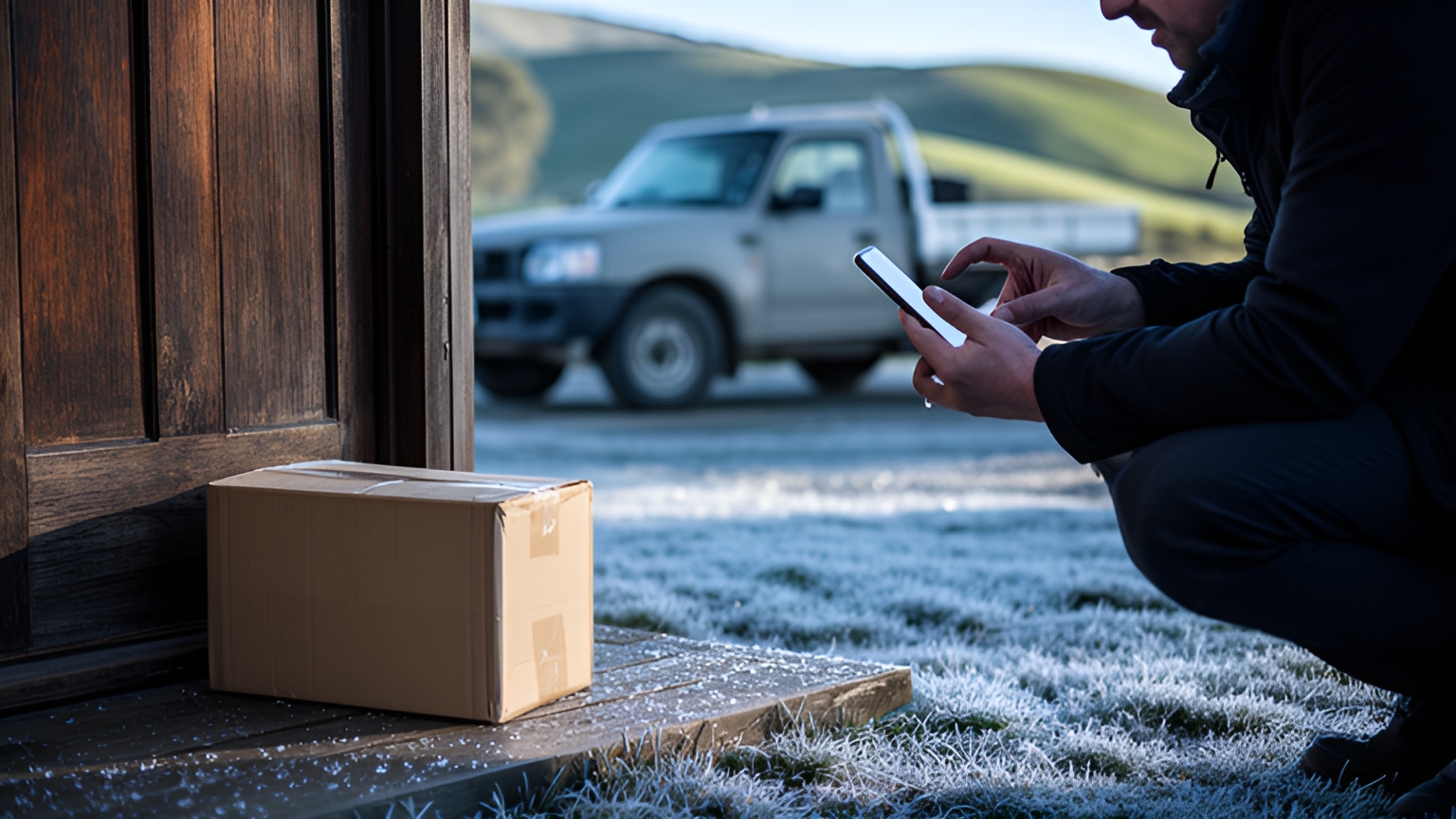
Online shopping feeds a large part of local delivery work. The Ministry of Transport's 2022 issues paper reports that New Zealanders spent NZ$5.8 billion on online shopping in 2020, a 25% growth from the year before.
Each of those orders already carries what a delivery needs: the address, the items, and often a delivery choice made at checkout.
Retyping them into a routing tool doubles the work and adds a step where a street number can slip. A connected store removes that step, so orders reach the plan with their details intact.
Locate2u's integrations page lists the store and business systems it connects with, so check yours is there before booking a demo.
When you test any integration, push a batch of real orders through it and confirm that:
- full rural addresses arrive intact, including rural delivery details and access notes
- the delivery window chosen at checkout carries through to the plan
- edits and cancellations made in the store update the planned run
- completed deliveries flow back so the order shows as delivered
Seasonal sellers can add one more check. Import a busy day's orders in bulk and time how long it takes to reach a planned, dispatched state.
How confirmed rural pins and clear exception notes make redeliveries smoother
Rural addresses can be hard to pin precisely. A mailbox, a gate and a house may sit some distance apart, and a pin on the road frontage does not tell a first-time driver which track to take.
A confirmed pin solves that. When a rural drop is completed, save the exact delivery point and any access notes against that customer, so the next driver arrives at the right gate with the right instructions.
Good notes are short: which gate, where the parcel should go, whether to close the gate behind you. Where a customer has given permission to leave a parcel, record it on the order so the driver sees it at the door.
Exceptions follow the same idea. When a drop cannot be completed, a standard reason chosen in the app, with a photo and the time, gives the office what it needs to rebook.
Ask any platform you assess to show where a confirmed pin is stored, how access notes appear on the driver's screen, and how a not-completed drop moves into a redelivery list.
How to prepare drivers and capacity for the December parcel peak
December volume can climb fast in a single region. The NZ Herald's Northern Advocate reported in December 2024 that a Northland depot handled 25,000 more overnight courier parcels in the first two weeks of December than the same time the year before.
A rise like that lands on planning and dispatch first. The useful question is how much extra capacity your team can bring on, and how quickly.
Start in October with a capacity plan. Use last December's orders to estimate how many extra drivers and vans a peak week needs, and line them up early.
In November, onboard new drivers on real runs. A driver who has used the app on a quiet day handles a busy one with confidence. When assessing a platform, time how long it takes to add a driver and send a first run.
In December, rebalance loads every day. Note which vans finish early and which run late, and move drops between runs before dispatch.
Publish clear Christmas cut-off dates and keep rural windows realistic, so notifications promise what the plan can deliver.
Then review in January while it is fresh: which zones ran late, which windows held, and where extra capacity helped most.
A checklist for testing a platform on your own routes
A demo on sample data shows how a platform looks. A demo on your own week of orders shows how it works for you.
Bring one real week: full addresses, delivery windows, the vehicle list and driver shift times, plus your trickiest rural stops with their access notes.
Then work through these checks with the vendor and write down what you see against each row.
| What to test | How to test it | What a good result looks like |
|---|---|---|
| Rural sequencing | Plan your real week, including farm and lifestyle-block drops | Rural drops grouped into loops that respect the windows you set |
| Mid-shift replanning | Hold the drops beyond a closed road and add an urgent order | Run re-sequenced without starting again, new ETAs sent to customers |
| Patchy signal | Capture proof of delivery with the phone in flight mode | Photo and signature saved, then synced when signal returns |
| Store orders | Push a batch of real orders from your online store | Addresses, windows and notes arrive intact, with no retyping |
| Rural pins and notes | Complete a rural drop, then plan the same address again | Confirmed pin and access notes shown to the next driver |
| Redeliveries | Mark a drop as not completed in the driver app | Reason, photo and time recorded, drop ready to rebook |
| Peak onboarding | Add a test driver and send them a first run | New driver set up and on the road the same day |
| Ferry legs | Build a run that crosses Cook Strait | South Island run starts after the scheduled ferry arrival |
Start where your team's time goes. If planning takes a slice of every morning, watch Locate2u's route optimisation work through your own week of orders first. To talk through costs or set up a test on your routes, book a call with the Locate2u team.
Frequently asked questions
How should you plan a delivery run that crosses Cook Strait?
Treat the ferry sailing as a fixed appointment: split the work into a North Island run and a South Island run, and set the second run's start time after the scheduled arrival. Ask any vendor to build that exact run during a demo so you can see how it handles a fixed timed leg.
What data should you bring to a delivery platform demo?
Bring one real week of orders with full addresses, delivery windows, vehicle list and driver shift times, plus any rural addresses that carry access notes. Watching your own awkward stops get planned tells you more than a polished sample route.
Is a delivery management platform worth it for a fleet of two or three vans?
Fleet size matters less than the time spent around each drop. For one week, record how long route planning takes and how many customer calls ask about arrival times, then compare that against what you see on a demo of your own routes.
Should rural drops get different delivery windows from town drops?
Often, yes: a half-day window for rural customers and a tighter slot for town customers lets the plan absorb slower gravel legs while keeping every promise. Configure those windows by zone so customer notifications quote the right one automatically.
