How to Choose a Last Mile Delivery Management Solution for US Fleets
Drafted with AI assistance, edited and fact-checked by Sean Flannery. See our editorial policy.
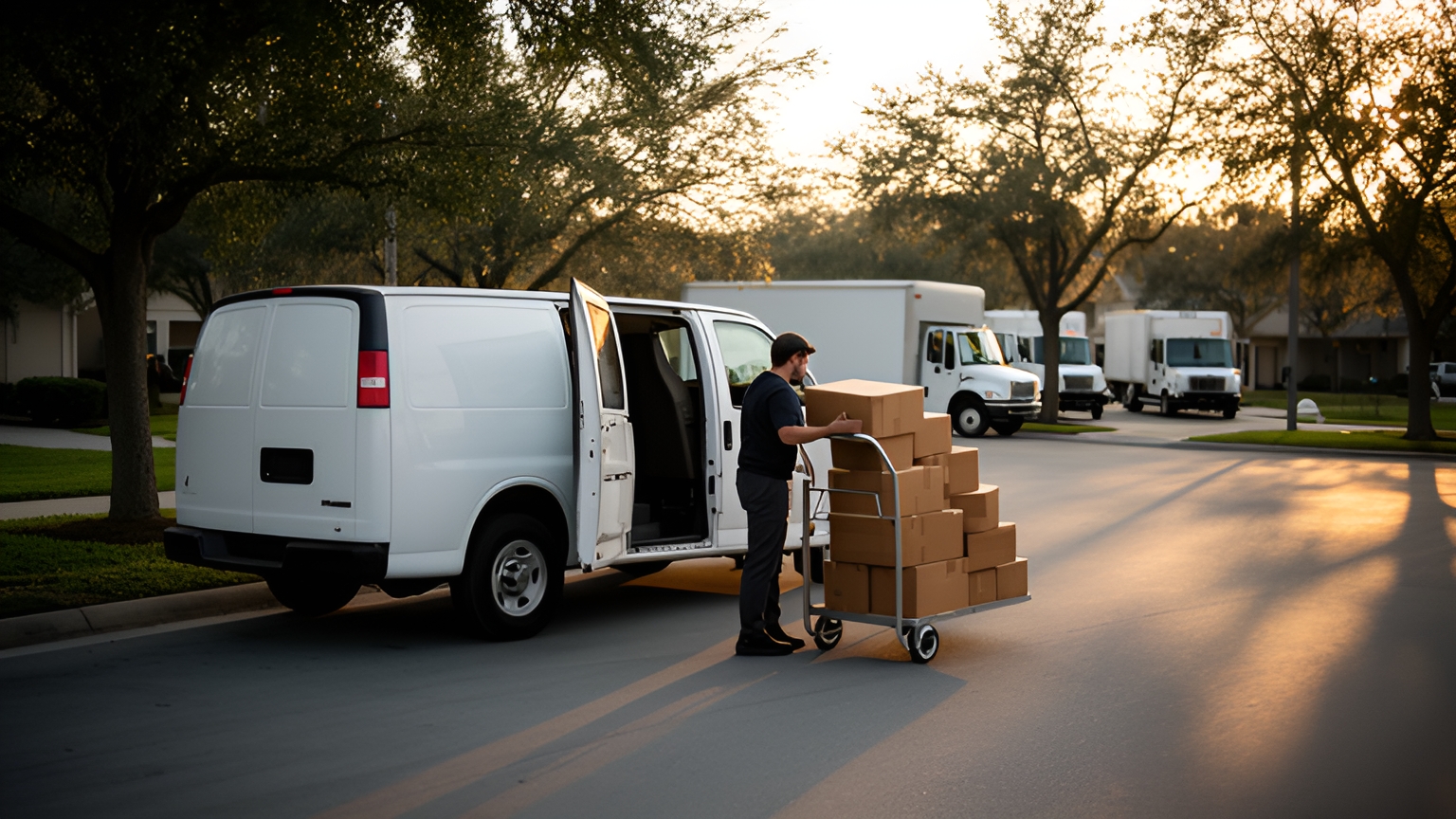
A last mile delivery management solution plans routes, dispatches jobs to a driver app, shares live ETAs with customers and records proof of delivery in one system. For US fleets, choose one that handles dense city grids, long rural runs, weather delays, returns pickups and the November to December peak on the same daily plan.
That is a wide range of conditions for one system to cover. The surest way to choose is to test each condition against your own routes, one capability at a time.
What a last mile delivery management solution handles from order to doorstep
Every delivery follows the same chain. An order arrives and becomes a stop on a planned route.
The stop goes to a driver's phone. The customer receives an ETA, and the driver captures proof at the door.
A delivery management platform holds that whole chain in one place, so each step starts from information the previous step already captured.
The volume moving through that chain keeps growing. The U.S. Census Bureau reports that e-commerce accounted for 17.1 percent of total US retail sales in the second quarter of 2026, and that the e-commerce estimate increased 12.2 percent from the second quarter of 2025.
For a buyer, that growth makes the front of the chain worth checking first. Ask whether orders flow in from your order or e-commerce system automatically, or whether someone rekeys them each morning.
Then map the rest of your day against the platform. A useful solution covers:
- Order import with addresses, delivery windows and notes intact
- Route planning that respects vehicle capacity and every depot you run
- Dispatch straight to a driver app
- Live ETAs and customer notifications
- Proof of delivery records your team can search
Wherever a step sits in a separate tool, note where information has to be copied across. Each copy point is a handoff, and the next section explains why handoffs deserve a close look.
How connected handoffs and proof of delivery keep every stop on record
A single order can change hands several times before it reaches the doorstep: warehouse to dispatcher, dispatcher to driver, driver to customer.
Research from McKinsey & Company finds that between 13 and 19 percent of logistics costs could stem from inefficient handover interactions between parties, amounting to up to US$95 billion in losses a year in the US economy alone.
That figure spans handovers across the whole logistics chain, not inside one fleet. Even so, it shows where attention pays off: the moments when a job passes from one person or system to the next.
McKinsey's analysis also suggests that a combination of three innovations, real-time visibility, AI-based workflow automation and generative-AI communication, implemented appropriately, can reduce waste caused by blind handoffs by up to 40 percent.
That estimate applies to the three working together. Use each one as a check in your evaluation:
- Real-time visibility: can dispatchers see every driver and the status of every job on one live screen?
- Workflow automation: do status changes, such as a completed stop, trigger the next step automatically?
- Customer communication: do customers receive clear updates without anyone writing them by hand?
For a delivery fleet, the most visible handoff is the last one, at the door.
Locate2u's proof of delivery captures photo evidence, signatures and timestamps for every delivery, along with location data. Each stop ends with a clear record of what arrived, when and where, ready for dispatchers and customers to reference.
To test any platform, complete a stop in the driver app and then find that record from the dispatch screen. Check how quickly it appears, whether the photo is clear, and whether your customer service team can locate it by order.
When a customer calls to ask where their order is, that record should answer the question in a single search.
How same-day changes slot into a live plan without starting over
Plans change after the vans roll out, and same-day orders are where a platform shows how flexible it really is.
SuperPharmacy has delivered prescription medications, over-the-counter products and health essentials to customers across Australia since 2000. As customers came to expect same-day delivery, its team was planning prescription routes manually for up to one hour every day. Any change, such as an urgent prescription or a rescheduled delivery, meant regenerating the entire route from scratch.
SuperPharmacy's case study reports that Locate2u's route optimization software cut route planning time by 83%, one Australian pharmacy's result rather than a US benchmark. What once took an hour of manual work now takes 10 minutes, with optimized routes generated from delivery locations, time windows and driver availability.
Flexibility mattered just as much. New prescriptions can be slotted into existing routes on the fly without disrupting other deliveries, and that made same-day prescription delivery a core service for SuperPharmacy.
SuperPharmacy described the change this way: "Before Locate2u, we had to generate new routes if we wanted to change anything. Now we can adjust the day's deliveries on the fly."
US fleets meet the same moment every day. A metro customer orders mid-morning and wants it by evening. A business asks to move its delivery window. A dispatcher needs to add a stop to a route that is already half finished.
Test it directly. Partway through a planned day, add an urgent order to a route that is already underway.
Then watch what happens. Do the stops already sequenced keep a sensible order? Does the driver's app update without a phone call? Do the ETAs other customers see adjust on their own?
Stops that need another attempt deserve the same check. A business may have closed early, or a customer may want a different day. Mark a stop as not completed and confirm it returns to the plan with the driver's note attached, ready to schedule again.
A platform that absorbs those changes quickly lets dispatchers say yes to same-day work with confidence.
How routing adapts to dense city grids and sprawling suburbs
US service areas range from tight city grids to suburbs that stretch for miles, and plenty of fleets serve both from the same depot.
A University of California Institute of Transportation Studies report, held in the federal National Transportation Library, states that "Successful delivery strategies will likely differ in sprawling suburbs and dense urban areas."
That finding translates directly into planning.
In a dense grid, stops sit close together and travel time depends on traffic that varies across the city. The plan has to respect delivery windows and the practical details of each building.
In sprawling suburbs, more of the day goes to driving between stops. So check how the platform divides territories between drivers, not only the stop order on each route.
Stop notes carry a lot of weight in the city. Think loading dock hours, building entry instructions, the entrance that receives deliveries and the safest place to pull up.
Those details should attach to the address itself, so they appear in the driver app on every visit instead of living in one person's memory.
When you evaluate, plan one real day that mixes downtown and suburban stops. Check that the plan respects each delivery window and each vehicle's capacity, and that a note added once shows up the next time that address is on a route.
For a closer look at sequencing stops, read this guide to last mile route optimization for US fleets.
How stop notes and weather-aware ETAs keep long rural runs on time
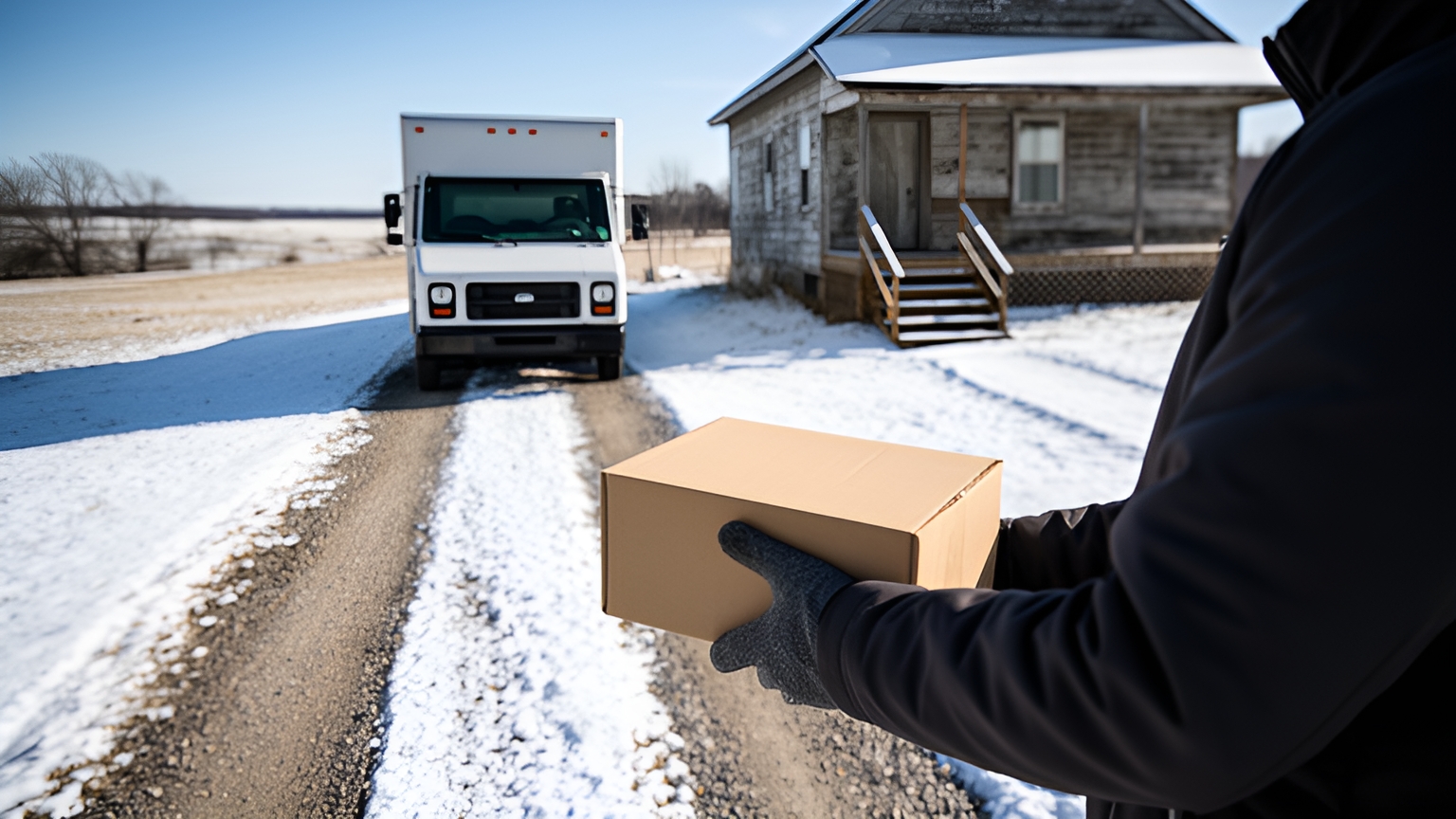
Rural routes are a different job again. The next stop can be a long drive away, so getting each stop right the first time protects the rest of the run.
Good stop notes make that possible. A gate code. A long driveway with a turnaround at the top. Receiving hours at a farm supply store. The side door a customer prefers.
Look for a platform that saves those notes against the address and surfaces them at the stop, so any driver on that run arrives with the same knowledge.
Weather is the other big variable. The Federal Highway Administration reports that on signalized arterial routes, speed reductions can range from 10 to 25 percent on wet pavement and from 30 to 40 percent with snowy or slushy pavement.
Those figures come from signalized arterial routes rather than country roads, so read them as a guide to direction for rural planning, not a rural measurement. On a long run, slower speeds early in the day carry through to every stop that follows. A morning ETA that was accurate at the depot needs to move with the driver.
So ask two practical questions in any demo. Can ETAs recalculate during the day from where the driver actually is? And do customers receive the updated time automatically, without a dispatcher calling each one?
Then run a snow day through the demo. Take a January morning across a territory that stretches from downtown out to rural towns, with every route running slower than planned. The most useful dispatch screen shows which later stops are drifting toward the edge of their window, early enough to move one to another driver or send the customer a revised time.
How a clear driver app helps new drivers feel confident from day one
Delivery teams welcome new drivers often. The U.S. Bureau of Labor Statistics projects about 152,700 openings for delivery truck drivers and driver/sales workers each year, on average, over the decade.
That level of hiring means a fleet's driver app regularly lands in the hands of someone in their first week. The app should make that week easy.
A clear driver app shows the next stop, the notes for that address and what to capture at the door, in that order. A new driver should be able to finish a route without calling dispatch to ask where to go next.
Experienced drivers benefit too. The local knowledge they have built up, such as the right entrance or the best time to arrive, can be saved as stop notes so the whole team shares it.
In Locate2u's driver app, drivers photograph each delivery on site as part of proof of delivery. Capturing a record becomes a routine step at every stop rather than an extra task at the end of the day.
The best test takes one morning. Hand the app to a newer driver and an experienced driver, give them the same short route, and ask both to note anything that slowed them down. Their answers show you how quickly a new team member would feel at home.
How returns pickups and the holiday peak fit into one daily plan
Returns are part of the last mile workload. The National Retail Federation estimates that 19.3% of online sales will be returned in 2025, and reports that about 71% of consumers say they are less likely to shop with a retailer again after a poor returns experience.
For a delivery fleet, a pickup that arrives on time and is recorded clearly is part of a good returns experience. That makes returns worth planning as properly as deliveries.
The practical goal is one plan. Return pickups ride on the same routes as deliveries, so a driver collects an item a few streets from a drop instead of making a separate trip.
When you test this, add a handful of pickups to a real delivery day. Check that each pickup carries its own notes and proof, and that the plan accounts for the space collected items take up in the vehicle.
Then plan for the peak. The National Retail Federation forecasts 2026 holiday spending of US$1.013 trillion.
That is a spending figure, not a delivery count. It still shows how much demand lands in the two months when delivery routes are at their fullest.
Before November, plan a day at your expected peak volume. Add the extra vehicles and drivers you intend to run, include the returns that follow the holidays, and see whether planning stays quick as the stop count climbs.
A checklist for testing any platform on your own routes
Generic demo routes rarely look like your Tuesday. The most reliable evaluation uses one real day of your own orders, run through every capability covered above.
Take this table into each demo and fill in the last column yourself.
| What to test | How to test it | What a good result looks like |
|---|---|---|
| Order import | Load one typical day from your order or e-commerce system | Addresses, windows and notes arrive intact with no rekeying |
| City and suburban planning | Plan that day across your real depots and vehicles | Routes respect delivery windows and vehicle capacity |
| Same-day changes | Add an urgent order to a route already underway | The job slots in without rebuilding the day |
| Stop notes | Save access notes on one city and one rural address | Notes appear in the driver app on every visit |
| Weather day | Run one route slower than planned | ETAs update and customers see the revised time |
| Proof of delivery | Complete a stop with a photo and signature | Dispatch can find the timestamped record by order |
| Reattempts | Mark a stop as not completed | The job returns to the plan for another attempt |
| New driver | Give the app to a newer driver for a short route | They finish without calling dispatch for directions |
| Returns and peak | Plan a peak-sized day that includes return pickups | Pickups and deliveries share routes and planning stays quick |
Score each platform on the same day of orders, so the comparison is fair. Bring a dispatcher and an experienced driver to every demo, since they will spot fit issues on the planning screen and in the app that a spec sheet never shows.
Start the rollout on one depot or region, record your baseline measures first, and expand once the team is comfortable.
Frequently asked questions
What should you gather before a software demo so it reflects your real operation?
Bring one typical day of orders with addresses, delivery windows, vehicle capacities, depot locations and any return pickups, plus the stop notes drivers rely on. Asking the vendor to plan that exact day shows how the platform handles your mix of city and rural stops far better than a generic demo route.
Should you run new delivery software alongside your current process at first?
Yes, a short parallel run on one depot or region lets dispatchers compare the software's plan with how the day actually went before every route moves over. Expand to the rest of the fleet once drivers and dispatchers are comfortable with the app and the planning screen.
How do you measure whether a new delivery platform is working?
Record a baseline before launch for on-time deliveries, stops per route, daily planning time and reattempted deliveries, then compare the same measures after go-live. Review them weekly with dispatchers and drivers so stop notes, time windows and vehicle settings improve as the data builds.
Who on your team should be involved in choosing the software?
Include a dispatcher, at least one experienced driver and whoever manages the order or e-commerce system, because each sees a different part of the workflow. Their input on the driver app, the planning screen and order imports catches fit issues before rollout.
The right platform is the one that plans your real day well, from a downtown grid to a snowy rural run, with every stop on record. Locate2u's delivery management platform brings route optimization, the driver app, live tracking links and proof of delivery together in one system. To see it plan a day of your own orders, book a call with the Locate2u team.
